
Appearance
A website for a fishing tackle shop, on Laravel
A tackle shop sells a lot of small things to people who know exactly what they want. The angler who comes in for a 7–28 g spinning rod does not want to scroll past tents; the one who drops by on Friday wants to see what is on sale before the weekend; and both want to call the shop and ask whether the reel is in stock at the store by the lake. A generic shop template gives you a grid of products and a search box. It does not put the deals up front, the phone number in sight and the season's news beside the bestsellers — the things a tackle shop's front counter does without thinking.
Shoal is a storefront theme for exactly that shop: a tackle and outdoors store with a few stores and a website that sells every day. It runs on kitloom, a Laravel CMS, with an admin your staff already know — Filament or Nova — and an AI agent that can do the routine work for you.
Ask the agent
With kitloom/ai connected, Claude, Cursor or your own agent runs the shop over MCP, with the rights of the user whose key it holds:
- "Put the Arrow 4000 reel on sale at 74.90 until Sunday." (
product_)save - "Make a code SPRING15 for 15% off rods, for the first hundred customers." (
coupon_)save - "Which orders from yesterday are still waiting to be packed?" (
orders_)list - "Order 1187 was picked up at the Lakeview store — mark it completed and thank the customer." (
order_,set_ status order_)add_ note - "Change the phone in the header to the new number, and the line beside it to 'Help with an order, 7 am – 9 pm'." (
theme_)customize - "Add 'Ice fishing' to the categories line of the header." (
menu_)save
Every tool calls the same code as the admin's buttons, as the agent's user: a key given to someone who may not change prices cannot change them either, nothing is deleted for good, and every change is in the activity log. describe_ tells the agent what the shop is made of — the departments, the attributes such as Brand, the menus and widget zones of the theme — so it writes a product as you would.
And the other side of the counter: your customer's own assistant can read the catalogue too. With kitloom/public-agents switched on, a customer asks Claude "find me a light spinning rod under $90 from this shop", and it searches the products (search_), reads one (product_) and hands back a link that opens the cart already filled (cart_).
Deals up front, news beside the bestsellers
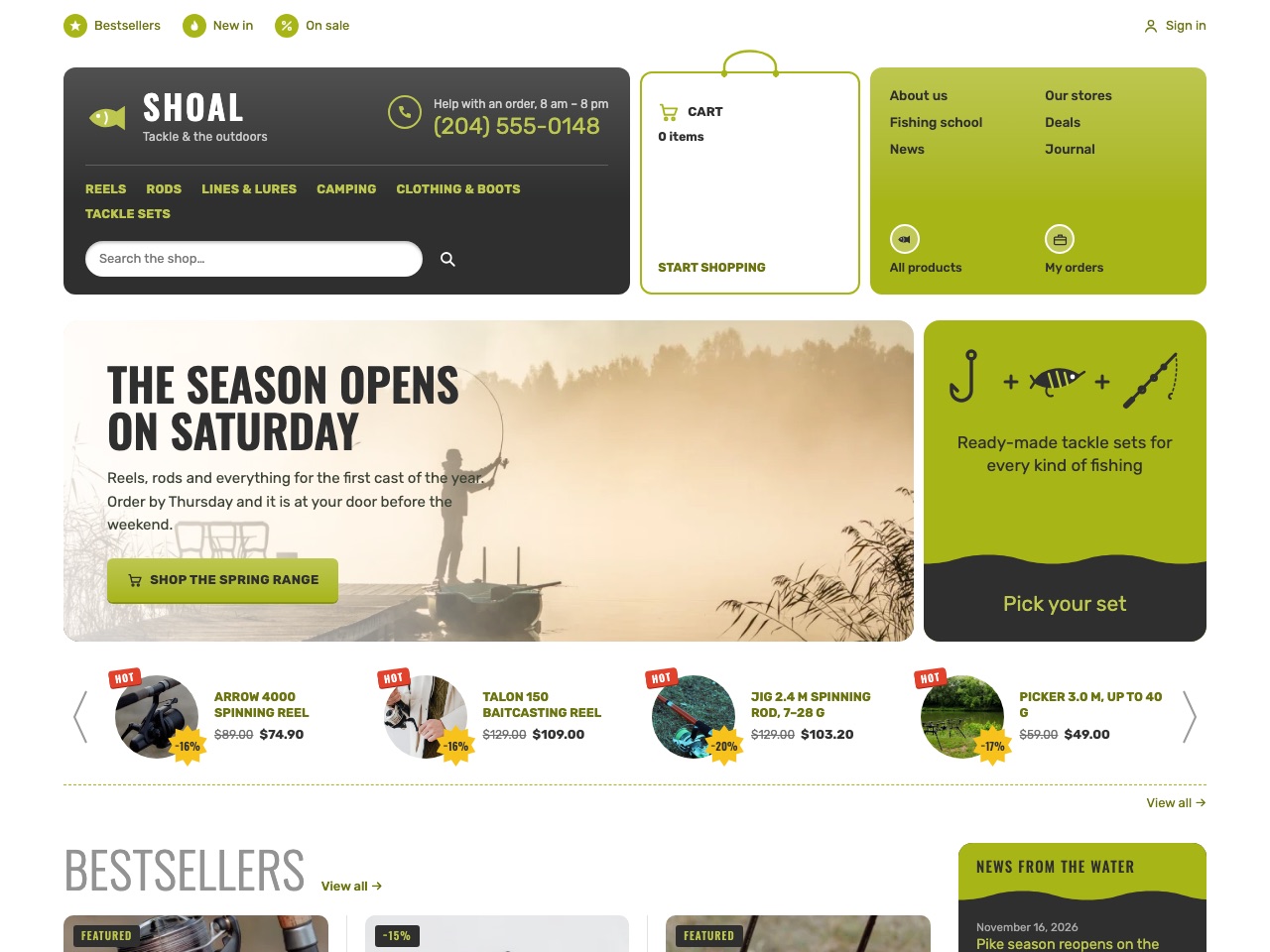
The front page is built the way a tackle shop's counter is:
- Hot deals come first, in a strip under the banner: each product with a HOT tag and its discount on a sticker, the old price crossed out, four at a time with arrows when there are more.
- Bestsellers follow in big grey capitals, in up to three columns, with stars, the department, the price and a Buy button — and beside them a dark column of the store's news: the pike season, a casting day, the fishing school's course.
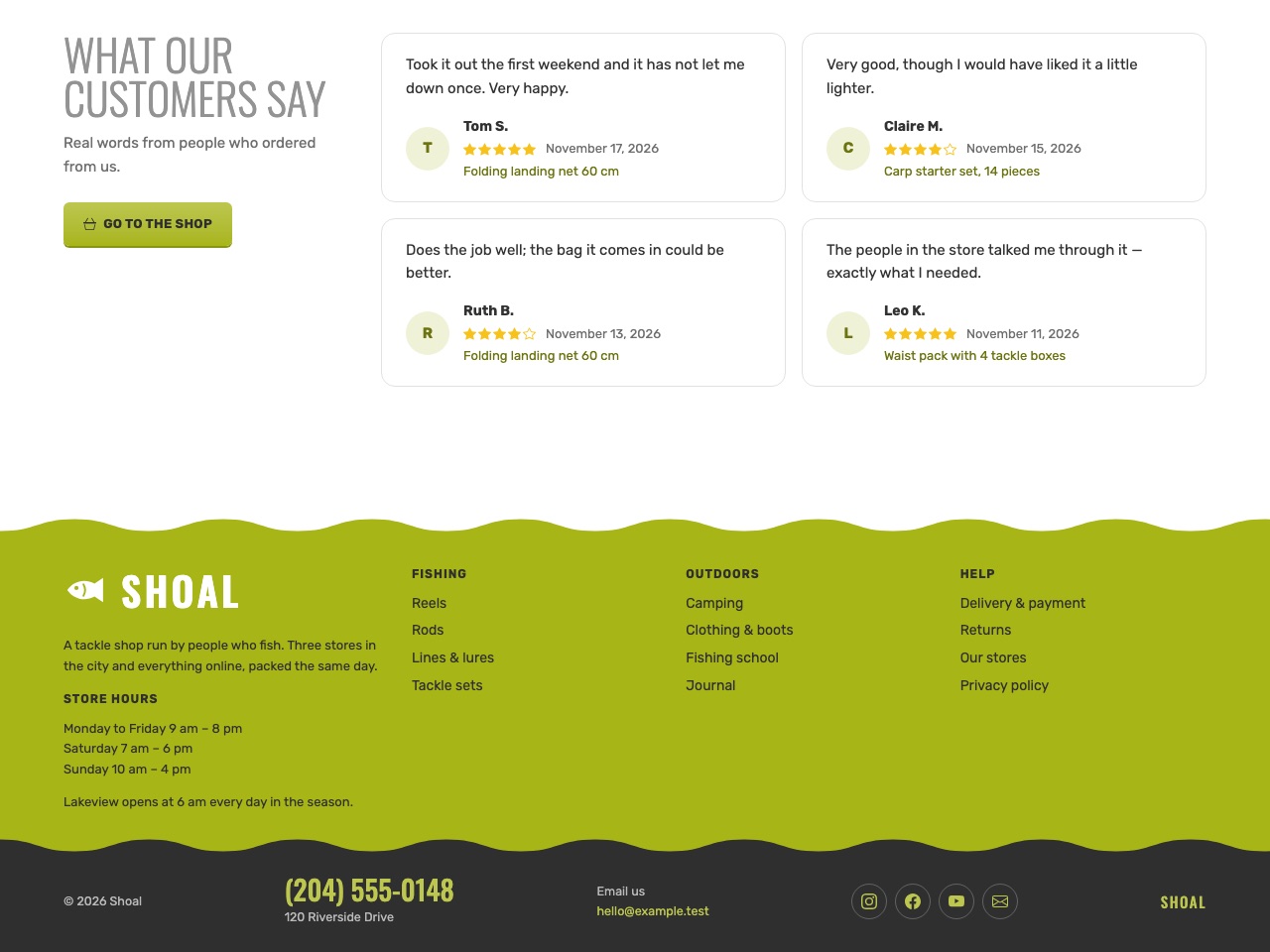
- Departments are tiles, each with its picture in a lime circle; guides from the water close the page; and a footer of a lime and a charcoal band, each under a long, gentle wave, carries the store hours, the links and the phone once more.
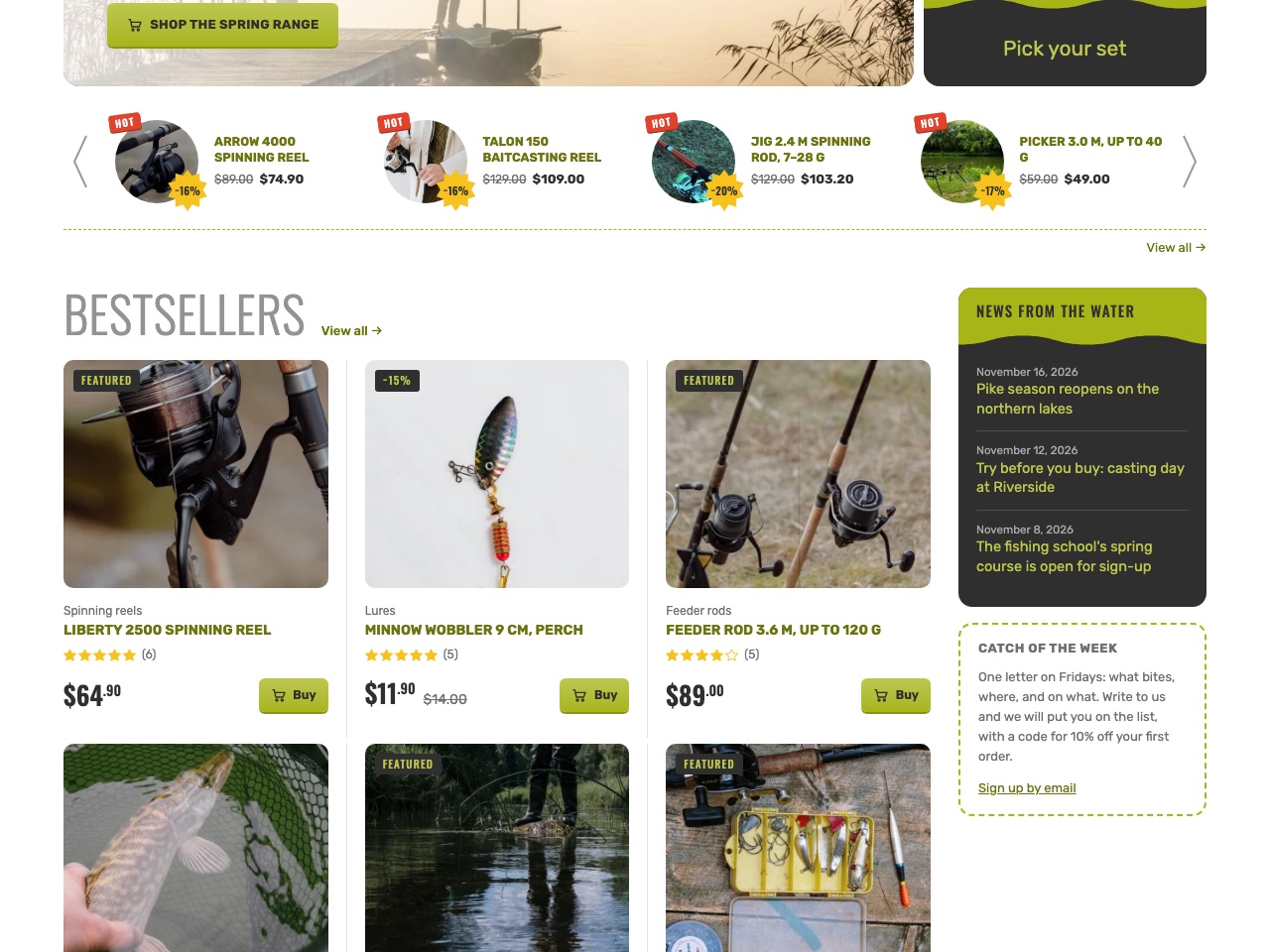
The header keeps the phone in sight on every page, with a line beside it that says when someone answers. The categories line opens each department's sections, and the search is right under it. Over the header there are a few quick links, each with an icon in a lime circle: Bestsellers, New in, On sale.
A catalogue that knows the brands
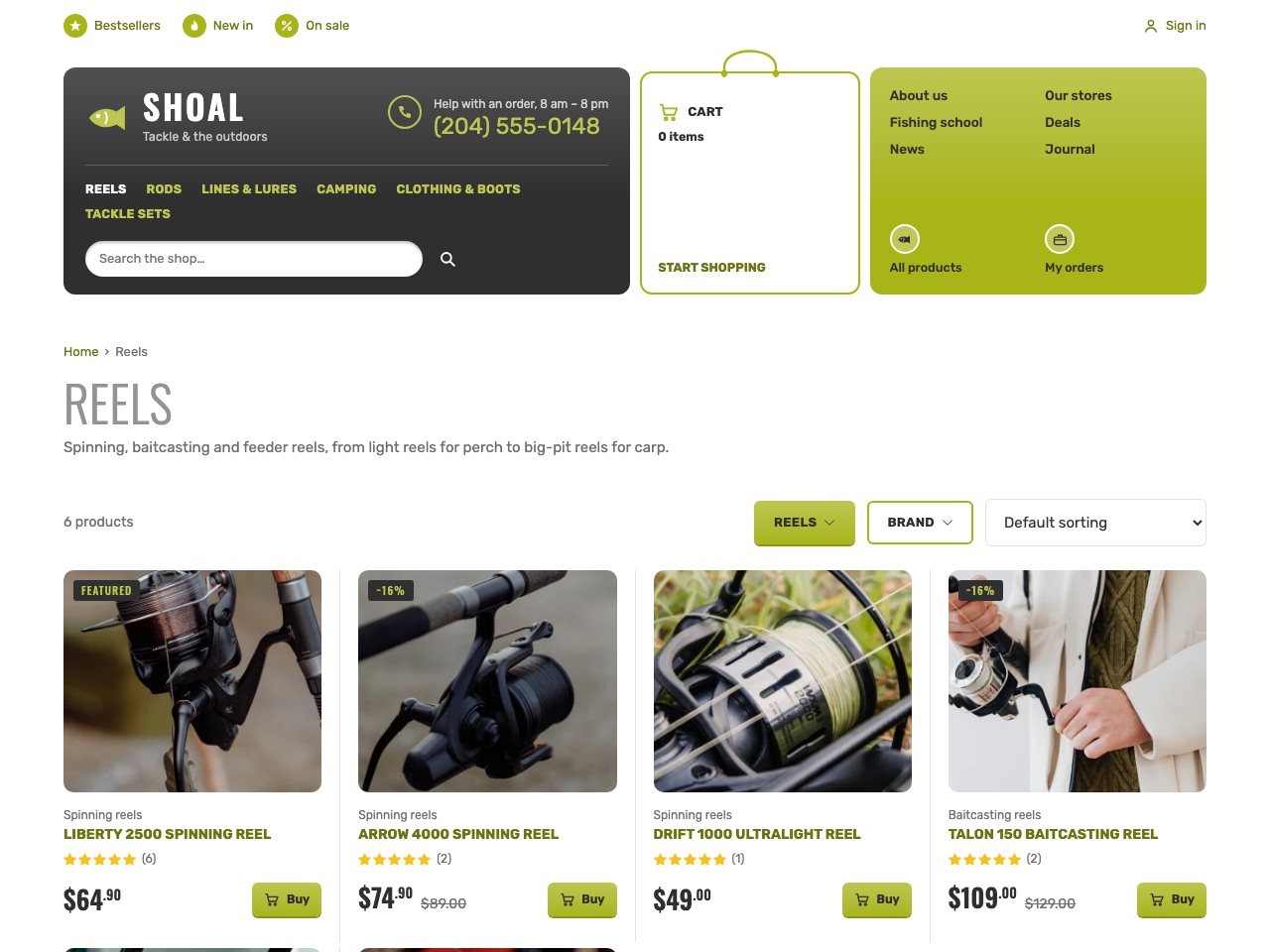
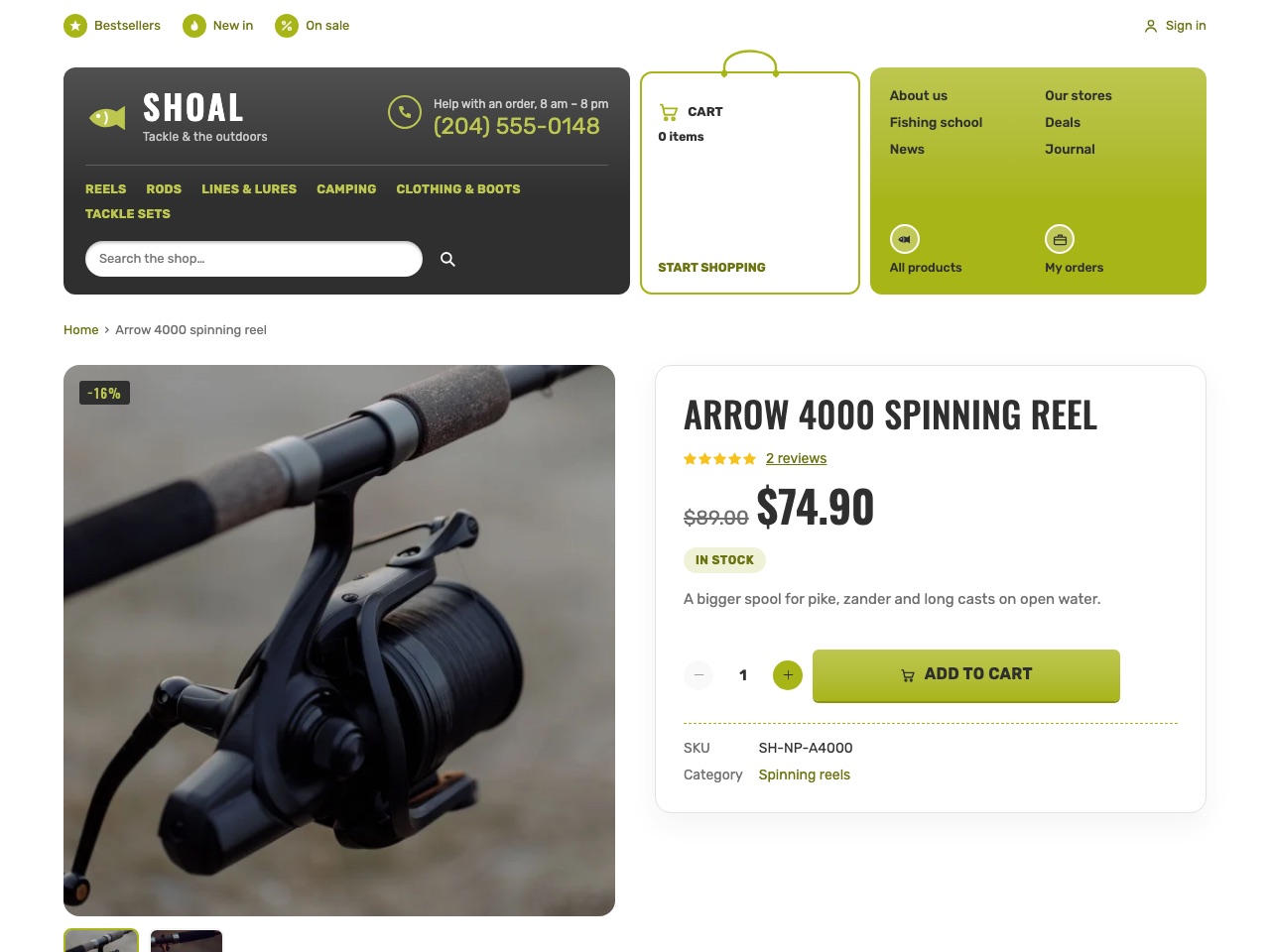
The catalogue, the product page, the cart, the checkout and the customer's account come from kitloom's shop. A department shows its sections and a filter by Brand, sorting and a count. A product page has its gallery, the stock, the reviews with stars and the SKU. A product sold in sizes — wading boots, a jacket — has a price and stock per size.
Delivery is what the shop sets: a flat rate, free over an amount, pickup at one of the stores, a rate abroad. Payments go through kitloom/payments — Stripe, PayPal, Mollie, Square or an offline method such as paying at pickup — and a paid order gets its invoice as a PDF with kitloom/invoices.
Everything is edited where you expect it
Nothing in the theme is written into its code. The shop's owner changes it all in the admin:
- The phone, the line beside it, the address and the email — Appearance → Customize → Store contacts; the two colours under Colors, the logo under Header. Every shade of the design is mixed from the two colours, lime and charcoal by default, so a shop in its own colours is two clicks away. Text on the lime is charcoal: white on it is too faint to read.
- The banner is the front page itself: its title is the headline, its excerpt the text, its featured image the picture.
- The rows of the front page are the page's own text:
[products on_is the hot deals strip, the nextsale="1"] [products …]the bestsellers,[product_the department tiles — move them, and the page follows.categories] - Menus and widgets — the categories line, the links over the header, the store's pages in the lime tile, the footer's columns and social links; the tile beside the banner, the news column, the footer's text — are WordPress-style menus and widget zones under Appearance.
For a Laravel developer
Shoal is a child theme of Pantry, kitloom's Vue storefront: extra. in its composer.. Pantry's catalog, product page, cart, checkout and account keep their markup and take Shoal's design from its resources/, read after Pantry's; Shoal replaces only the components it changes — the layout, the front page, the deals strip — at the same @/ paths. Its theme settings are Themes kept in theme_, the colours as CSS variables in the page head; its menus and zones are registered in boot; and its one part of its own, the journal row, is the newest posts that have a featured image, so a short piece of news without one stays in the news column.
php artisan shoal: fills an empty site with a tackle shop of three stores: six departments with fourteen sections, 34 products of made-up makers with a Brand attribute, a third on sale, two with sizes, 65 reviews, delivery and a coupon, the pages, the news and the guides with comments, every menu and zone. Every picture in the package is drawn; the stand and the sandboxes below show photos instead.
Try it
- See it live: fishing.kitloom.dev is the demo shop, open to anyone.
- Make a copy of your own, signed in to the admin, with no sign-up: with Filament or with Nova. It is yours for up to three days: change the colours, add a product, connect an agent.
- Have us build it: the tackle store solution — your shop on Shoal, in your colours, with your catalogue moved over.
On a kitloom site of your own:
bash
composer require kitloom/shoal-theme    # brings kitloom/pantry-theme with it
npm run build
php artisan shoal:demo
php artisan site:theme Shoal
Every detail — where each word on the page comes from, the menus, the zones — is in the theme catalog.