Fill the site with sample content
An agent makes a category, three posts and a page and adds the page to the menu, with the rights of the user whose key it holds.
AI agents: how it works →Build a powerful site on Laravel — Filament or Nova for an admin your editors already know, Blade, Vue or React for the front — and let Claude, Cursor or your own agent do the work over MCP, with exactly the rights you give it. Already on WordPress? Your site comes along with its content, URLs and users.

Each one opens a live site of your own with its demo content, signed in to the admin. No sign-up.
 Live demo
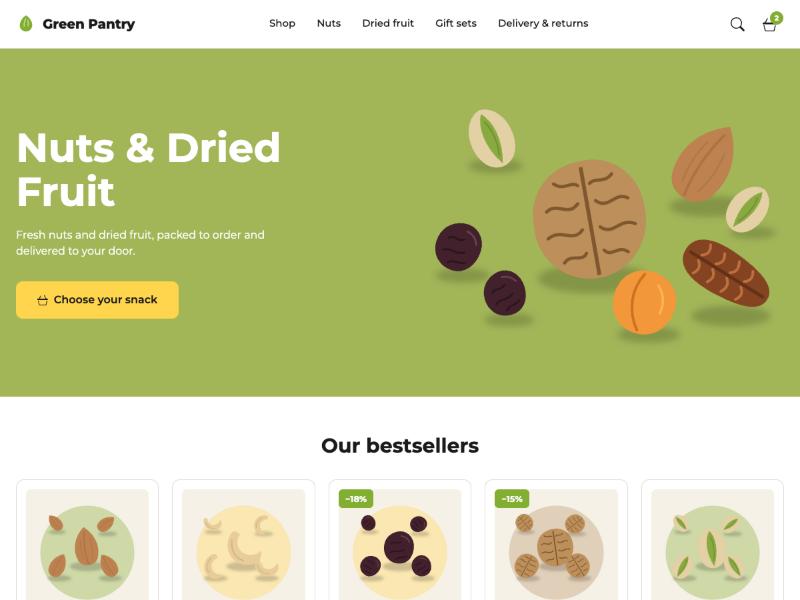
A food store in English and French: product cards, cart, checkout and the customer’s account.
 Live demo
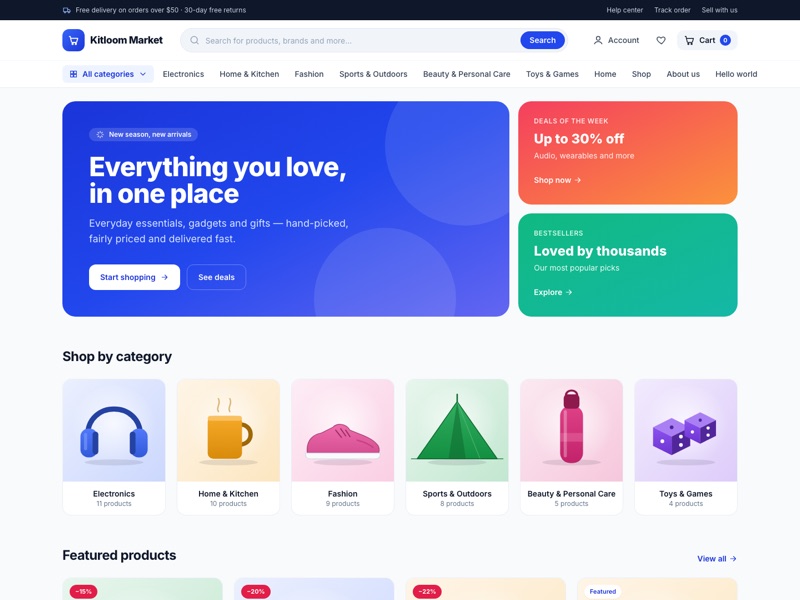
A storefront rendered on the server: catalog with filters, product pages with reviews, cart and checkout.
 Live demo
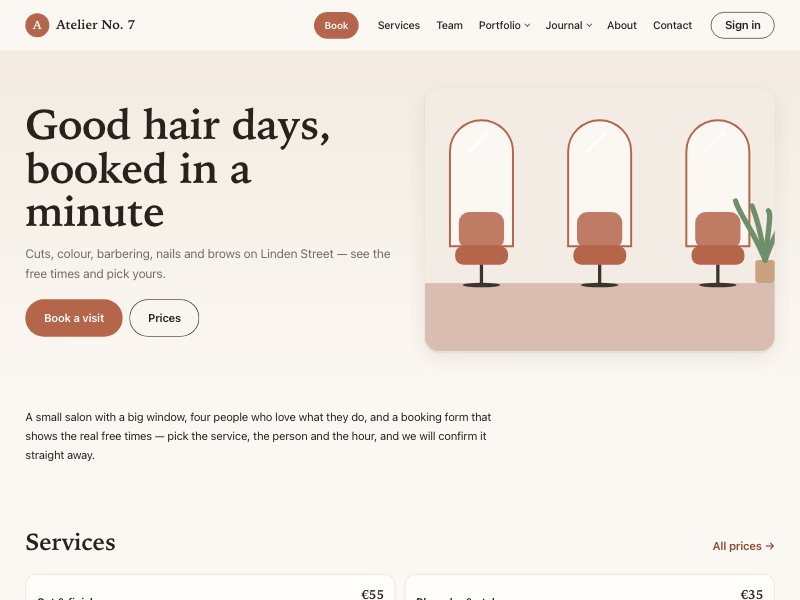
A salon made for phones: services and prices, the team, before and after, booking with the real free times.
 Live demo
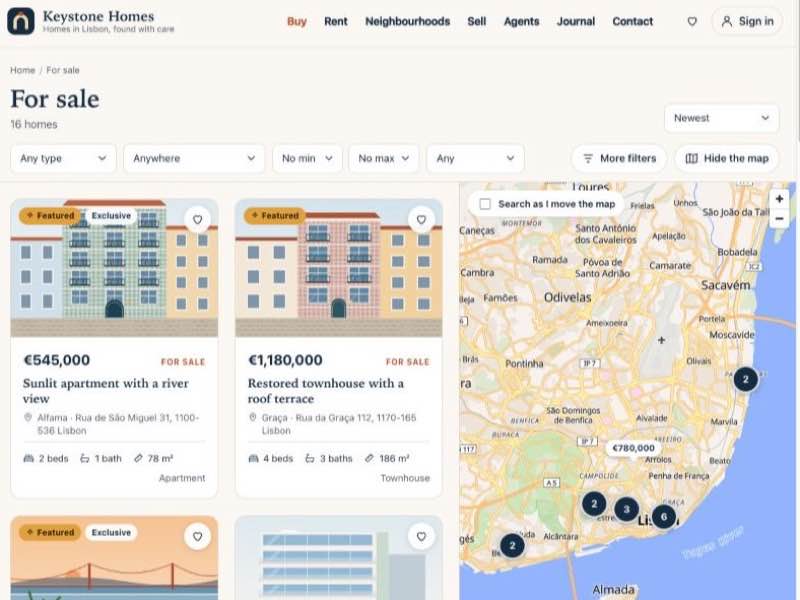
A real estate agency: search with filters and a map, homes with floor plans, agents and enquiries.
$ claude mcp add --transport http kitloom \
    https://your-site/mcp \
    --header "Authorization: Bearer 12|…"

> Which addresses gave 404 this week?
  Redirect the ones that have a new page.

  kitloom · not_found_list
  kitloom · resolve_url
  kitloom · redirect_from_404

// done as the key's user, in the activity logkitloom/ai is an MCP server at /mcp. Claude, Cursor or your own agent reads and writes posts, pages, media and settings, shows a page as the site renders it, and does whatever the installed modules add — from your chat, on your subscription.
It works with the rights of the user whose key it holds, through the same code the admins use: it cannot do what that user may not, cannot delete anything for good, and a revoked key stops it at once.
Menus, SEO, redirects, forms, comments, the shop, bookings, languages, backups — an installed module brings its tools, seen only by users with its permission.
Claude Code, Cursor, Claude Desktop, claude.ai or your own agent: one address, one key in a header. The admin shows what to paste.
An agent acts as the user whose key it holds, through the writers the admins use. What that user may not do is refused with a message it reads.
Records go to the trash, bookings end declined, products start as drafts. Permanent deletion is left to a person in the admin.
Who gets in, the code on every page, the data that leaves the site — an agent sees them without values and cannot change them, whatever a page tells it.
What lives at an address, the template the theme picked, the page as text, HTML or its typed parts — so it checks its own work.
Save one API key on the site and modules write with it — a translation, a meta description — from a button, for editors without an AI subscription.
A monthly budget caps what AI Writer may cost; every question is logged with its tokens and price, every answer saved for a person to look at.
use Kitloom\WpSchema\WpSchema;
use Kitloom\Settings\Facades\Settings;

// the row WordPress wrote, an Eloquent model
$book = WpSchema::query('post')
    ->where('post_name', 'dune')->first();

$book->title;                // wp_posts.post_title
$book->getMeta('isbn');      // wp_postmeta
$book->field('subtitle');    // an ACF field, as ACF keeps it
$book->termsIn('genre');     // wp_term_relationships
Settings::get('blogname'); // wp_optionsStart a new site. No WordPress is installed and none of its code runs. The site keeps its content in WordPress's shape — posts, pages, terms, menus, users — so editors find their screens in Filament or Nova from the first day and AI models know the data well. Everything else is Laravel.
Or bring the site you have. kitloom runs on its WordPress database as it is — wp_posts, wp_options, the plugins' tables — and handles a request the way WordPress does, so the site moves over with its data, its URLs and its editors' habits.
Start a new site →Bring a WordPress site →Your plugins' data after the move →What is WordPress here, and what is Laravel →
Posts, Pages, Media, Menus, Widgets, Settings → Reading and Permalinks — where WordPress has them, in Filament or Nova.
kitloom:install asks which modules the site needs and a theme fills it with demo content. No WordPress is installed; editors still know every screen.
Eloquent, service providers, events, queues, Horizon, Pulse, Octane; Pint, PHPStan, PHPUnit. No plugin API to learn.
Posts, terms, meta, options and users stay in WordPress’s own tables. Point kitloom at the database you have, or import a WXR export.
Permalink settings, rewrite rules and query vars, the canonical 301, the template hierarchy — an address answers as it did in WordPress.
ACF field groups, Rank Math, Contact Form 7 and Flamingo, WooCommerce, Slide Anything, Nextend Social Login — a module reads and writes each format.
WordPress’s password hashes, phpass and 6.8’s bcrypt, sign in as they are; roles keep their capability names.
WordPress can keep running beside kitloom while you move; arrays kitloom saves are JSON, which WordPress no longer reads.
<script setup lang="ts">
import type { PageProps } from '../kitloom'

// written by kitloom:schema from the parts this site has
const props = defineProps<PageProps<'site' | 'posts'>>()

props.site.name              // string
props.posts.pagination.next  // string | null
props.posts.pagintion
// ✗ vue-tsc: Property 'pagintion' does not exist
</script> Every part of a page declares a JSON Schema. Before a theme is built, kitloom:schema turns the schemas of the parts this site has installed into TypeScript, so the editor completes props.posts. and knows what may be null.
npm run build:themes type-checks the theme with vue-tsc: a template that reads a key no part gives fails the build, not the site. A part of a module the site may run without stays optional.
A template gets the page as props: the content, the posts with their pagination, breadcrumbs, menus, the SEO head, the cart. No queries in templates.
single-book, archive, index — name a template file and it is used, as in WordPress, the template chosen in the editor included.
Blade renders on the server with nothing to build; Vue 3 pages go through Inertia 3 and Vite. One site can have both kinds installed.
kitloom:make-theme writes the templates, styles, menu locations, widget zones, a demo command and tests — passing PHPStan, Pint and the Vite build as generated.
Forms with spam protection, comments, the visitor’s account with the sections modules add, sliders, analytics scripts — on the page without code of yours.
Its own post types and models, migrations, shortcodes, a REST namespace and forms in both admins — a Composer package, switched on the Themes screen.
Nine steps from a template you bought or found to a theme, its texts and pictures where WordPress keeps them. Journal and Bureau were made this way.
With no theme every page answers as JSON, with a JSON Schema of the page — the same data the theme gets, for an app or another front.
Every feature is a Composer package with a Filament and a Nova admin. Install it and its section appears; switch it off and it is not loaded. Here are the AI ones at work — every module has its lessons in the video lessons.
An agent makes a category, three posts and a page and adds the page to the menu, with the rights of the user whose key it holds.
AI agents: how it works →An agent reads a category’s posts, writes their search titles and descriptions, and sends an old address to the right page.
AI agents: how it works →Your own provider and key for the texts the modules write, with a monthly budget and a log of every question.
AI Writer: how it works →A page or a product translated by the site’s model, saved as a draft for a person to look at.
AI Writer: how it works →Every module:Activity Log · Ad Pixels · Admin Bar · Admin Menu · AI agents · AI Writer · Analytics · Assistant · Backup · Booking Calendars · Bookings · Comments · Cookie Consent · Courses · Custom Fields · Deploy · Duplicate Posts · Emails · Forms · Future Actions · Header & Footer · Horizon · Image compression · Import & Export · Internal Links · Invoices · Languages · Link Checker · Listings · Maintenance mode · Media Replace · Multisite · Newsletter · Notifications · Payments · Post Types · Privacy · Public AI Agents · Pulse · Redirections · REST API · Safe SVG · Search · Search & Replace · Sentry · SEO · Shop · Sign In As · Site Health · Sliders · Social Login · Spreadsheets · Tag Manager · Two-Factor Authentication · Webhooks · Widgets